How We Build High-Performance Creative Briefs with AI at Heystak
Jul 8, 2025
How we use Heystak to work with creators
Here’s how we go from spotting a strong ad to building a simple, easy-to-follow creator brief.
No long Slack essays.
No buried Google Docs.
No messy email threads.
Just structured inspiration and clear direction.
TL;DR
Choose energy analytics platforms based on your industry's specific data sources, compliance requirements, and operational patterns. Generic solutions often fail where specialized features succeed.
1) Find ad inspiration inside Discovery
Instead of saving random screenshots, we start inside Discovery.
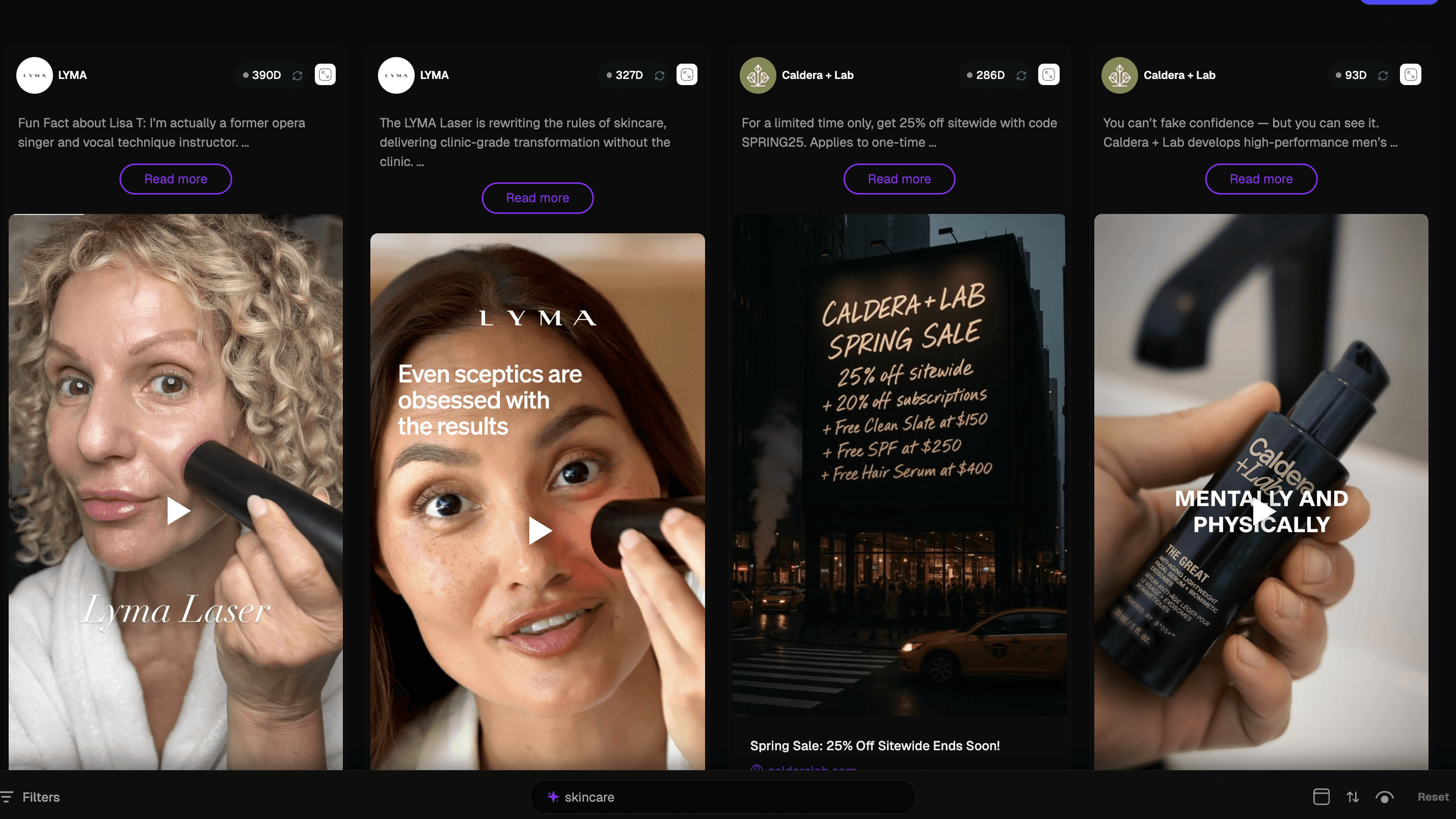
We filter by:
Industry
Platform
Ad duration (longest running first)
Persona
Content style
The goal isn’t to find “cool” ads.
It’s to find ads that have been running consistently. Longevity usually means something is working.
When we find a strong example, we review the AI analysis to understand why it’s performing.
2) Add inspiration directly to your Brief
Inside the ad view, select “Add to Brief.”
This pulls the inspiration directly into your new creative brief.
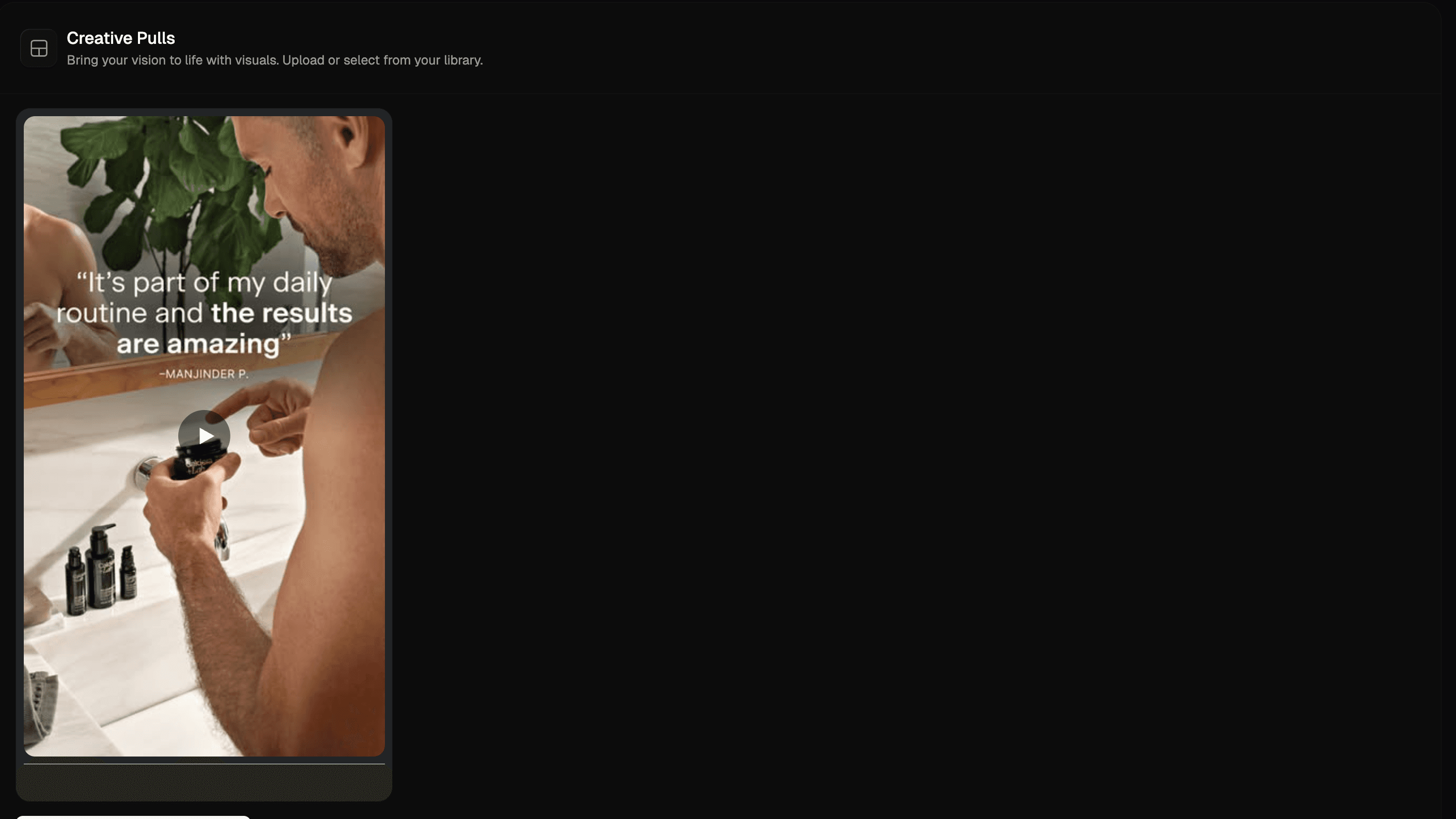
For example, you might choose an ad with:
A strong reaction hook
Clear on-screen text identifying the target audience
A simple problem → solution structure
Instead of describing the ad in words, the actual example lives inside the brief.
That reduces misinterpretation.
3) Create a new Brief
Next, create a new Brief inside Heystak.
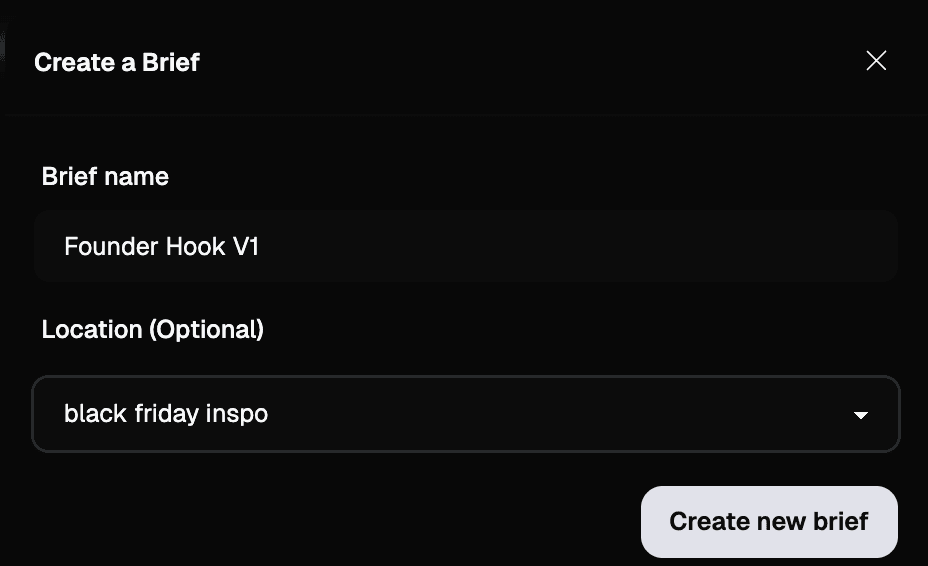
Name it something clear and simple:
“Founder Hook V1”
“UGC Reaction Angle”
“Problem Agitation Test”
Save it in your default folder or organize by campaign, product, or creator.
Keeping naming consistent makes it easier to track what you’ve tested later.
4) Select the right Brand Profile
Choose the brand profile you’re briefing for.
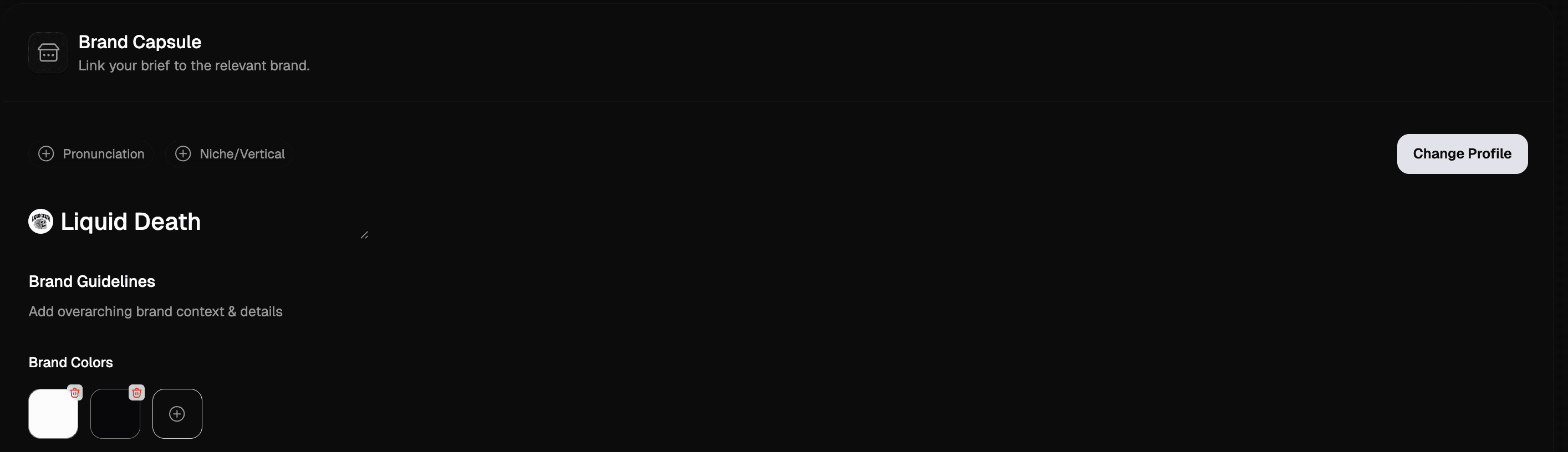
Brand profiles keep everything aligned because they include:
Brand colors
Fonts
Tone of voice
Website URL
Core positioning
This matters more than it sounds.
If a creator isn’t 100% clear on the brand, it’s easy to end up with the wrong messaging, wrong URL, or off-brand visuals.
You set the brand profile up once, then select it for every brief.
5) Add direction as modular details
After adding inspiration and selecting a brand profile, add the details that clarify the deliverable.
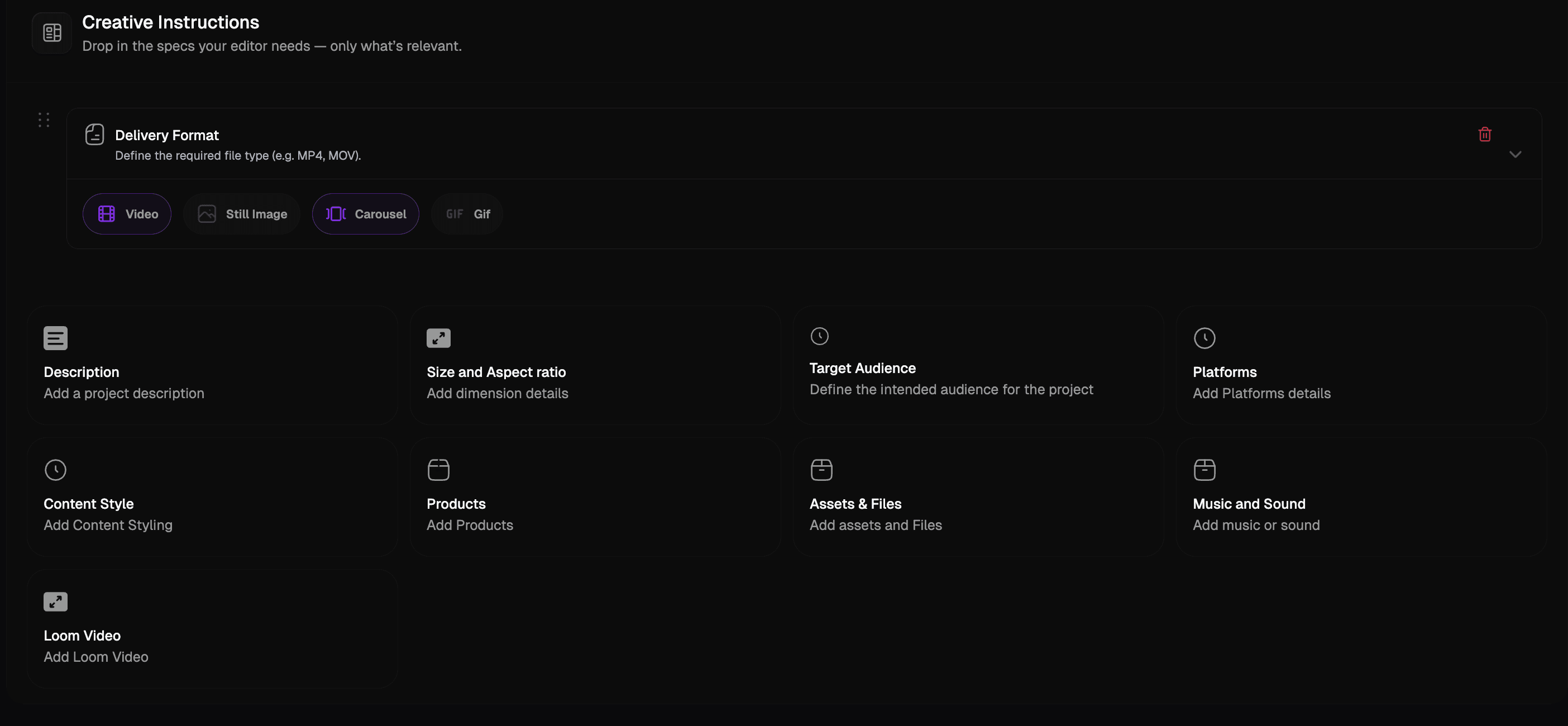
The goal is to remove ambiguity.
Modular details help prevent rework.
For example:
Formats: 9:16 and 4:5
Content type: Video
Platforms: Instagram, Facebook, TikTok
Hook direction: Problem agitation
Emotional tone: Urgency
Even experienced creators benefit from structured constraints.
It keeps everyone aligned.
6) Specify the exact product
Be specific about what the creator is building content for.
Most brands have multiple products. If the product isn’t clearly specified, creators can easily build around the wrong one.
Inside the brief, include:
Exact product name
Product page link
Key selling points
Current offer (if applicable)
If you’re prioritising stock or pushing a specific SKU, clarity here avoids wasted production.
7) Attach the winning ad to your Brief
Once we’ve identified a strong ad, we attach it directly to a new Brief.
This keeps the original ad inside the workflow — not as a screenshot in Slack, but as a structured reference.
Instead of describing the ad in words, the actual winning example sits inside the brief.
That removes guesswork.
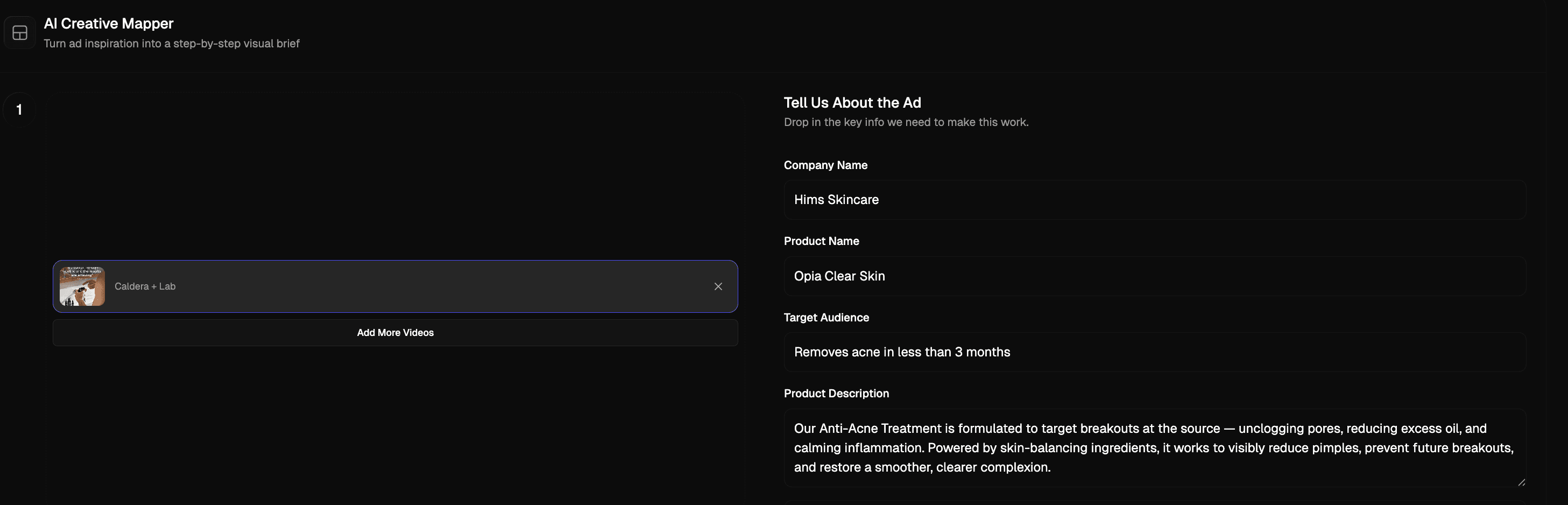
8) Input your brand details and rewrite with AI
Next, select your Brand Profile or input your brand details.
This includes:
Brand positioning
Tone of voice
Offer
Product details
Website URL
Heystak’s AI then rewrites the ad using:
The same sentiment
The same structural formula
The same hook framework
But adapted to your brand.
You’re not copying the ad.
You’re borrowing the proven structure and applying it to your product.
The result is a script built on a winning formula, aligned to your brand.
9) Turn the script into a storyboard
Once the script is generated, you can place it directly into a storyboard inside the Brief.
Break it into:
Hook (first 3 seconds)
Problem
Solution
Proof
CTA
This makes it easier for creators or editors to follow shot-by-shot.
Instead of sending a wall of text, you’re giving them a visual execution plan.
10) Attach a shared asset folder
Instead of explaining assets across Slack or email, attach them directly in the brief.
This can include:
Logos
Product renders
Brand guidelines
Raw footage
UGC examples
A shared Google Drive or asset folder link works well.
Everything lives in one place.
11) Share the brief and collect creator submissions
Once the brief is finished — brand context, inspiration, product specification, and assets included — share it with your creator.
Creators can submit their deliverables directly inside the brief.
No scattered Dropbox links.
No expired WeTransfer files.
No digging through email threads.
Stakeholders can review, comment, and approve within the same workflow.
Your instructions stay connected to the final output.